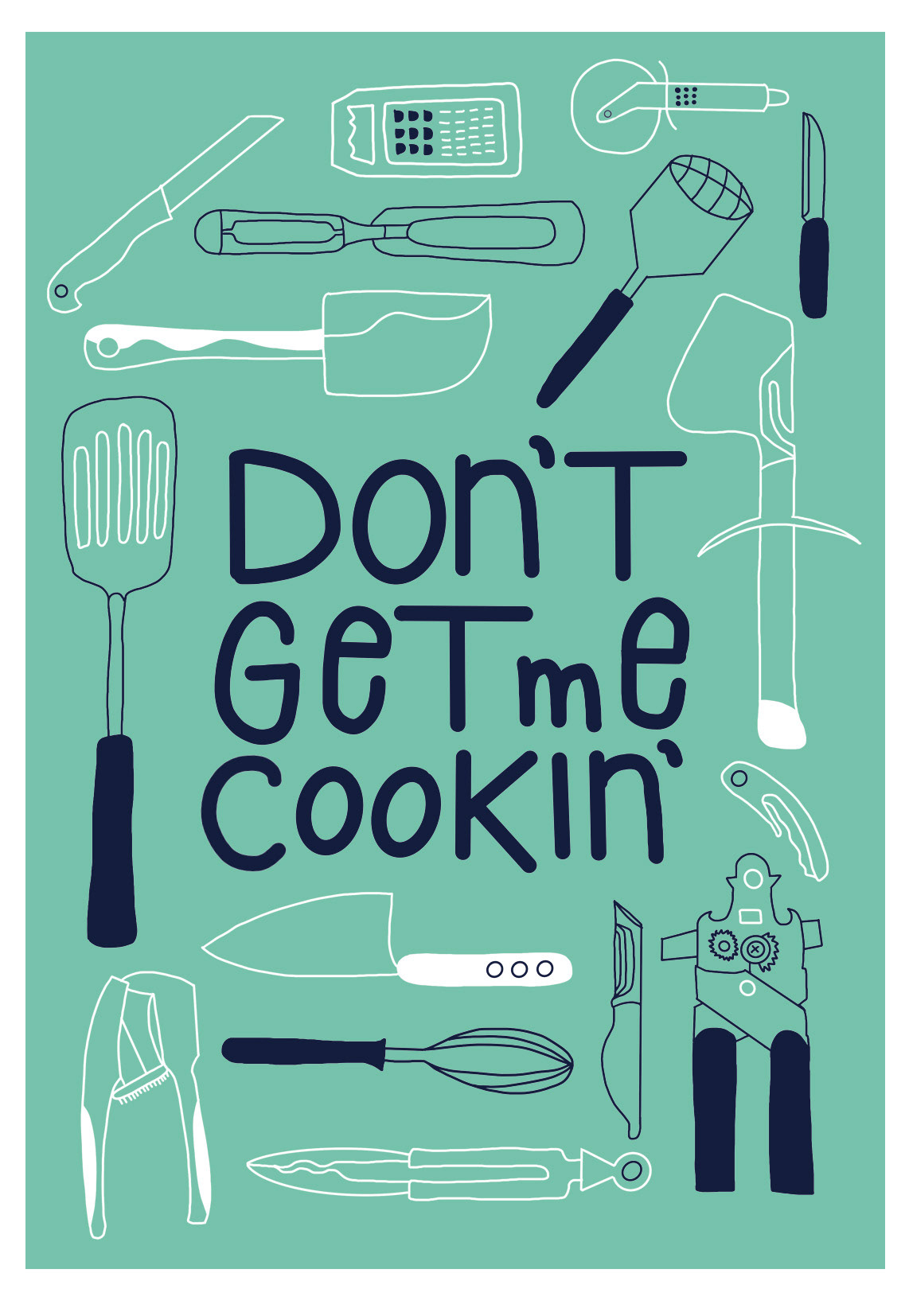
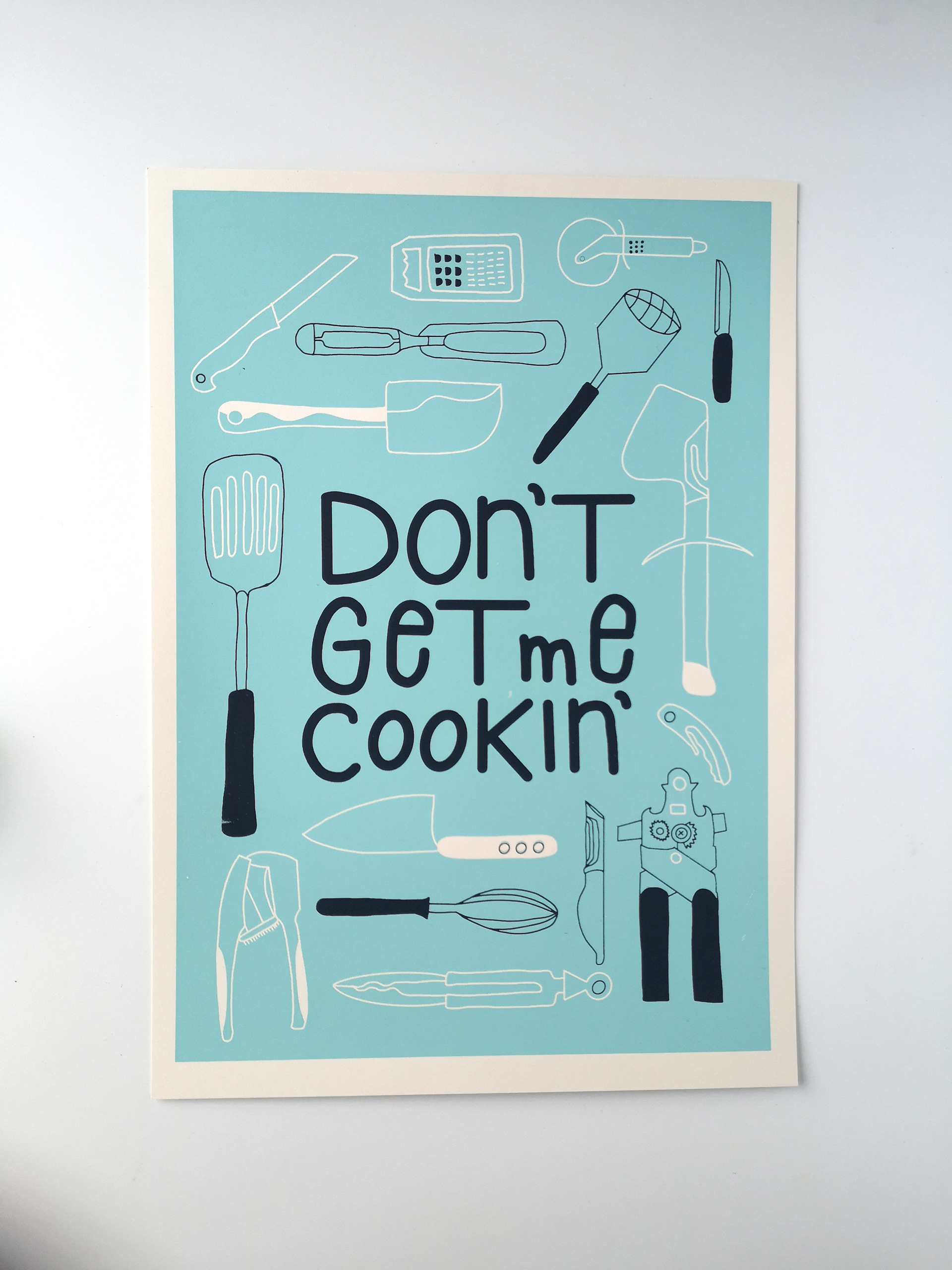
I desperately needed some art for my kitchen. So it came very handy that I have planned to participate in a screenprinting workshop with the amazing artist Simon Marchner, where I was able to screenprint my design.
I started with some scribbles of kitchen utensils and a lettering idea on an A4 sheet , which I liked so much, that I sticked to it until the end.
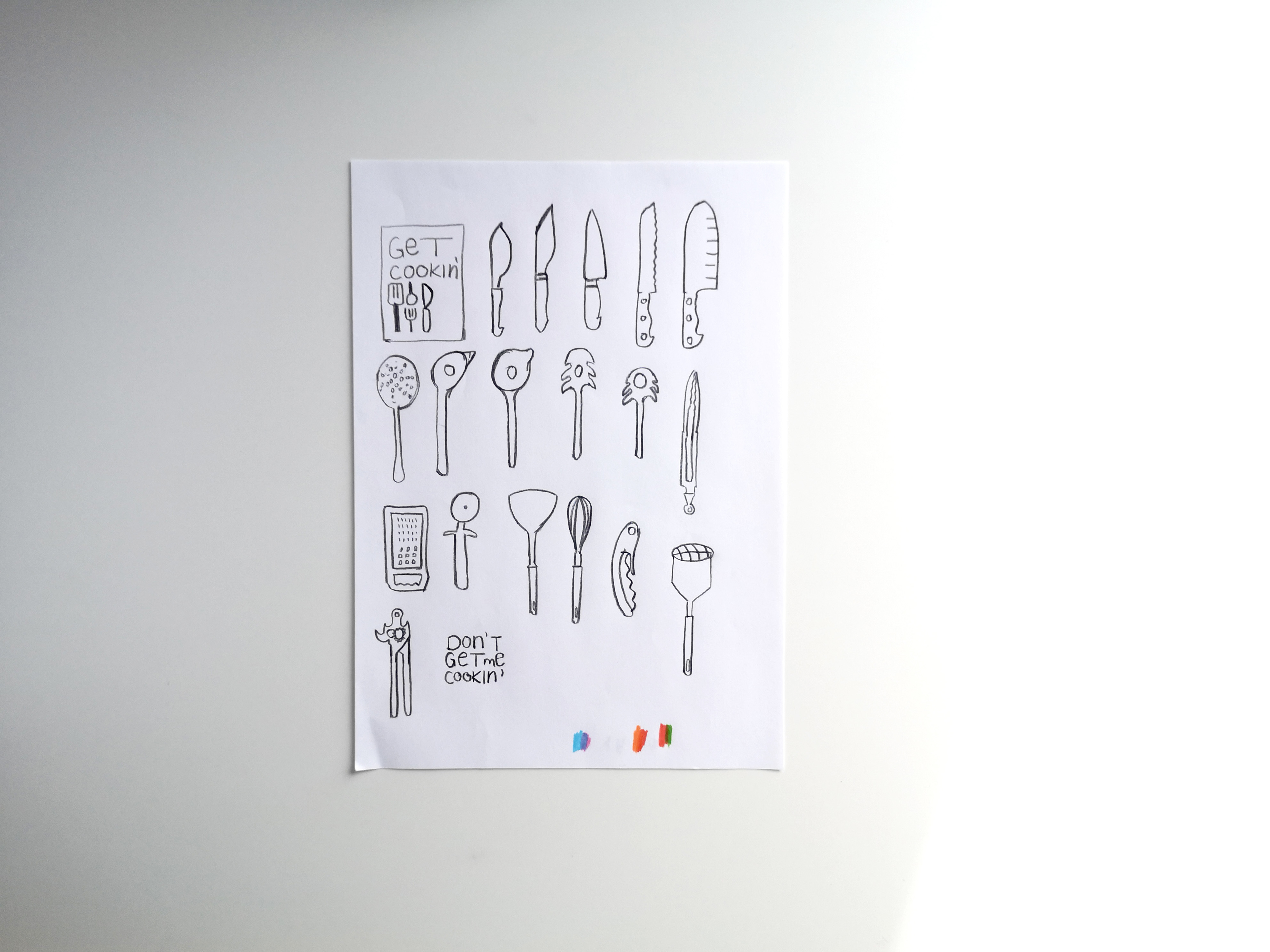
First Rough Ideas
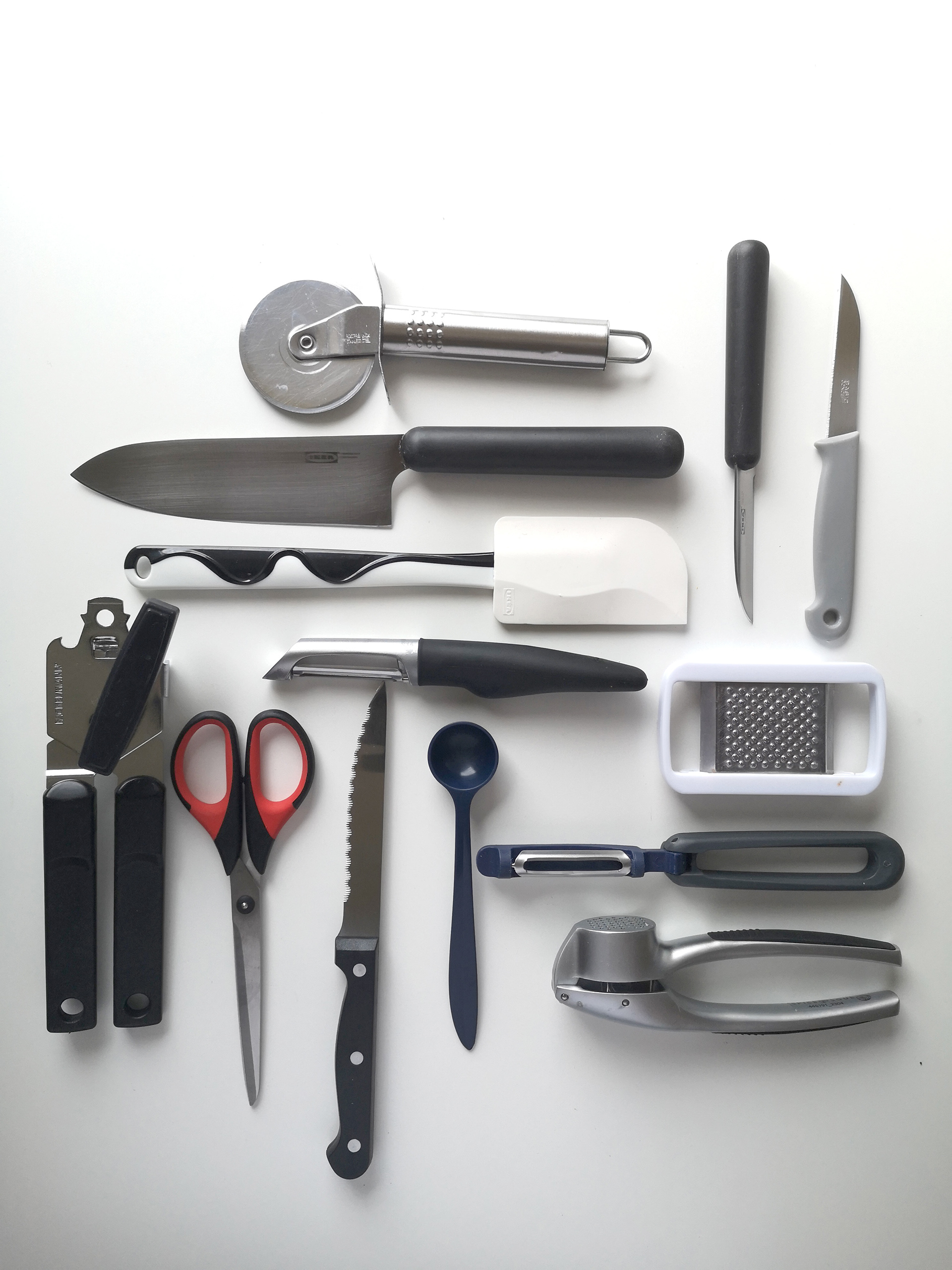
Gathering my kitchen stuff
After I have gathered some of my kitchen utensils I layed them on a table and placed them in different positions. I did some clean sketches, scanned them and brought them into Adobe Illustrator. For scaling purposes I wanted vector illustrations, but I was not satisfied with the image tracing result, as the line thickness varied from illustration to illustration.
Eventhough I played around with the different settings, I couldn't get to a satisfying stage. So I started all over again. Grabbed my iPad, arranged the utensils and drew all the shapes in Procreate. I know, no vectors, but at this stage I didn't have to do scaling anymore as my final size for the illustrations was already decided on.
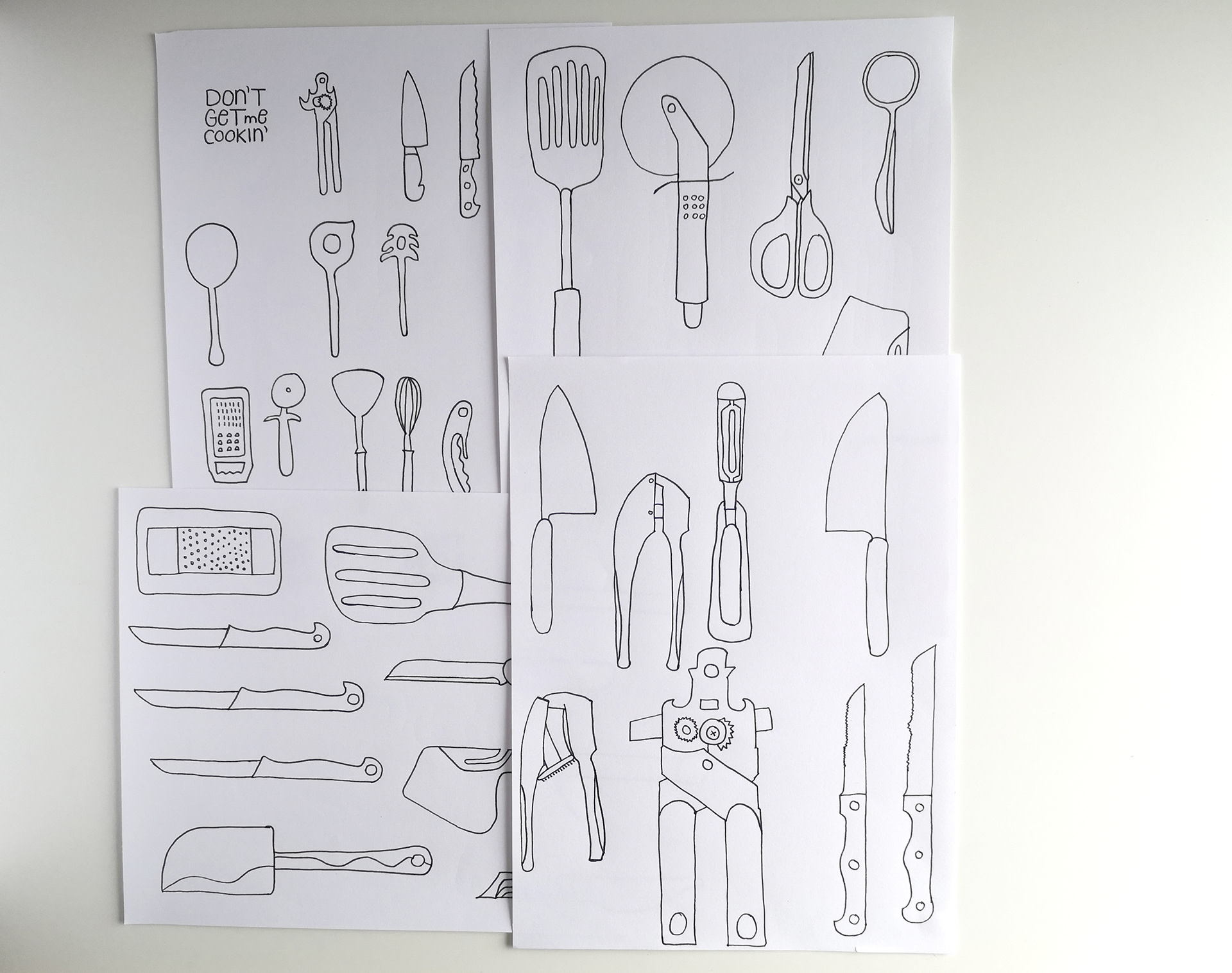
Clean drawings on paper
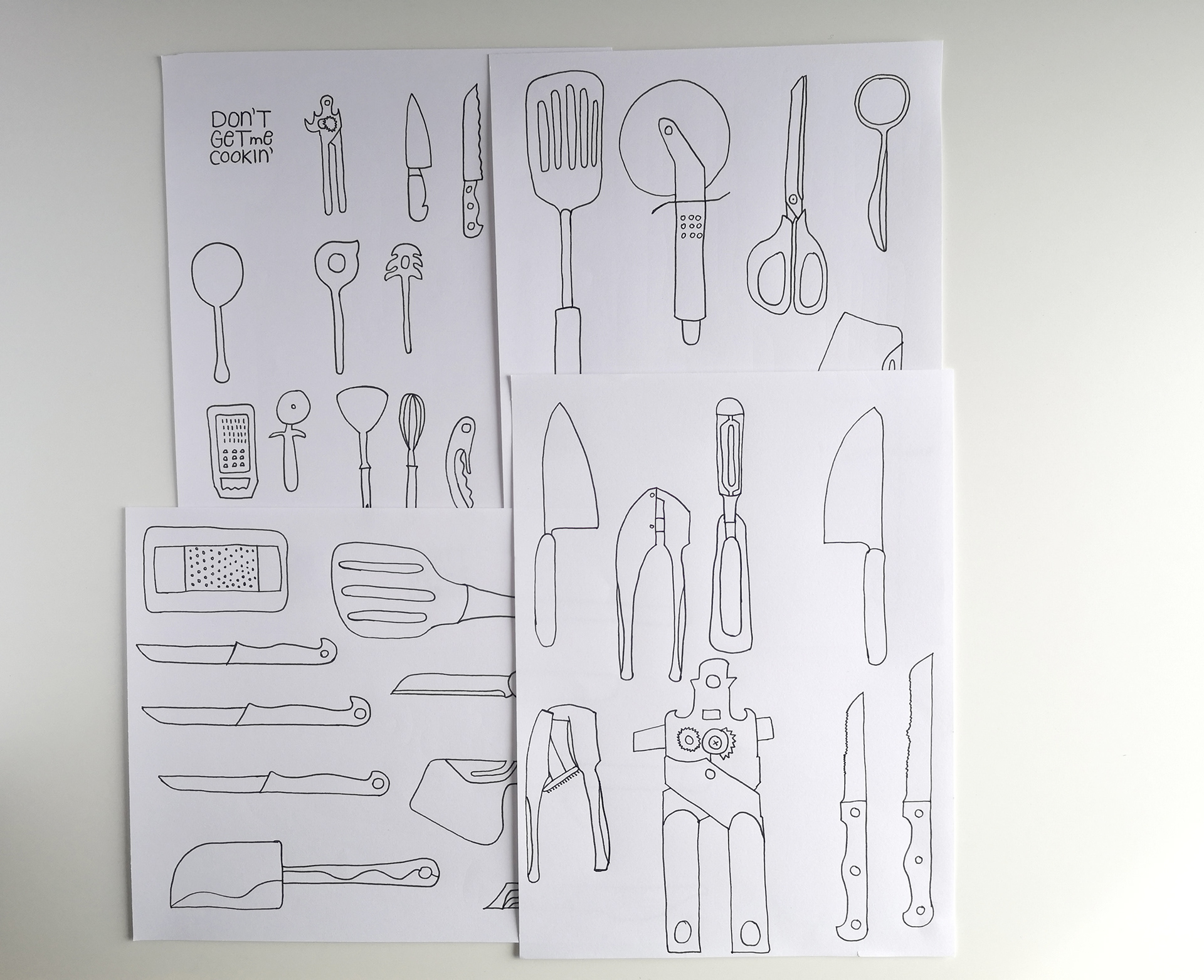
Clean drawings on paper
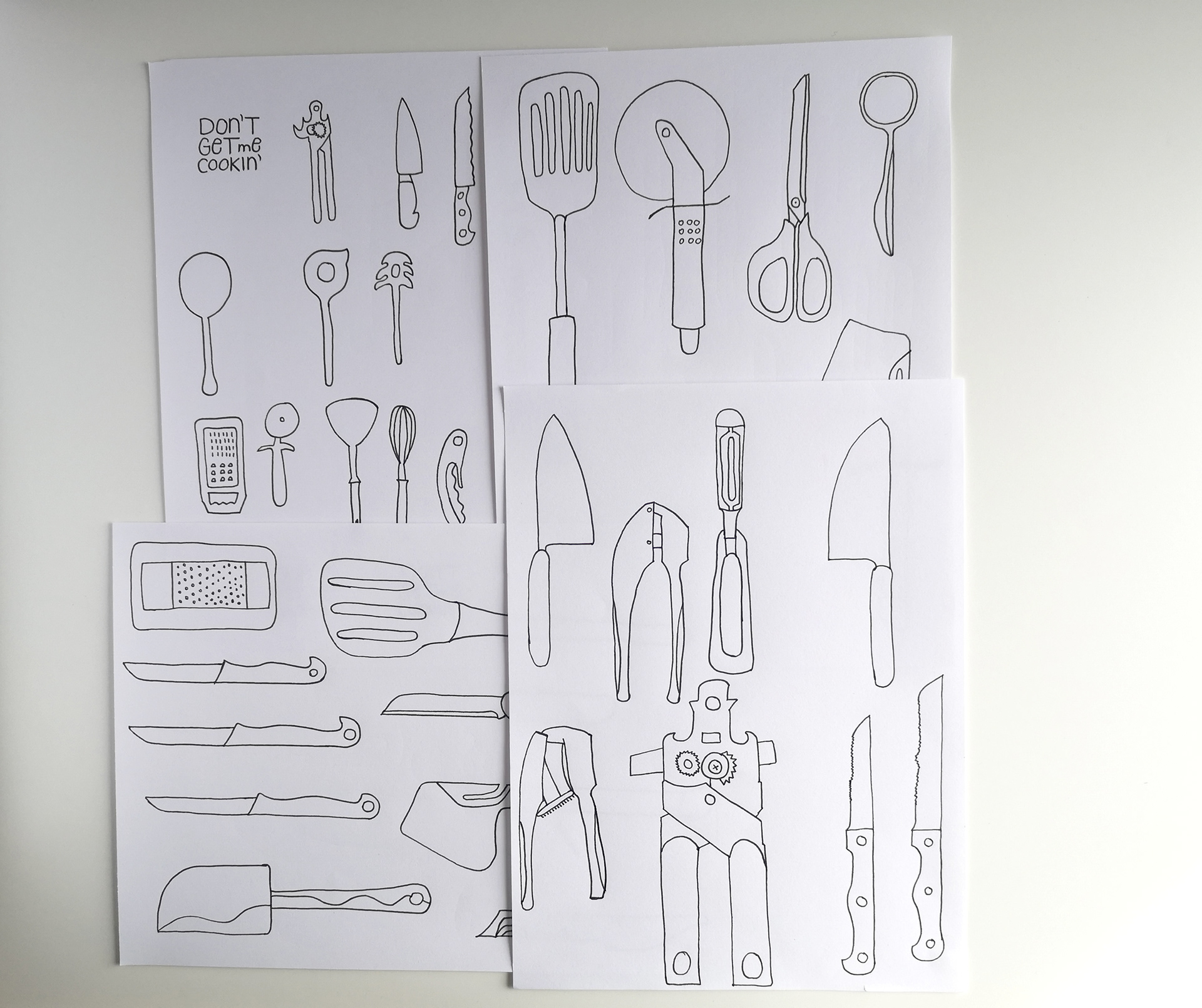
Clean drawings on paper
When I finished the design in black and white I started to think about colour combinations. As the workshop assignment was to only use 2 colours, I had already a restriction, which was good, as I very much struggle with choosing colour sometimes. (Why can't it all be in black and white :)?!)
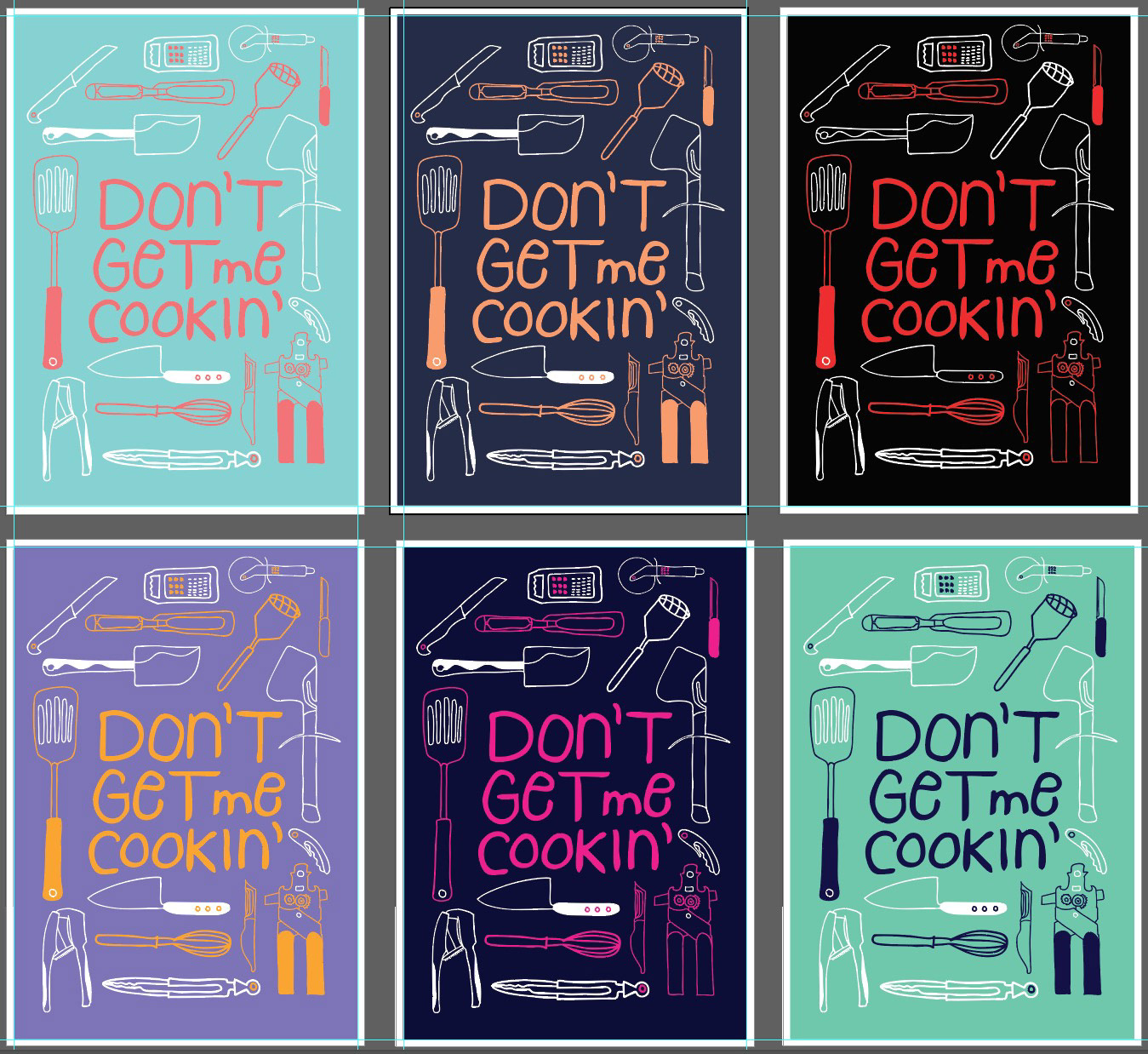
So this was the final design I choose and I'm very much pleased with the result. On the right side you see the screenprint outcome. Didn't get the color correctly mixed, but I like it anyways. Maybe soon you can buy this in my online shop. So keep posted.
Thanks for reading :)